For Owners and their Helpers
The list on the fridge door, now on both your phones.
You plan the week's chores, stock and spending. Your helper sees today's work in English, 中文 or မြန်မာ, ticks it off, and you can see what is done.
Open ChoresMatter
Works in your browser today. iPhone app coming soon.
Helper reads in
A working preview built from the app's own screens. Tick a chore on the helper's phone, then look at the owner's.
Photo in, records out
Start from the paper you already have.
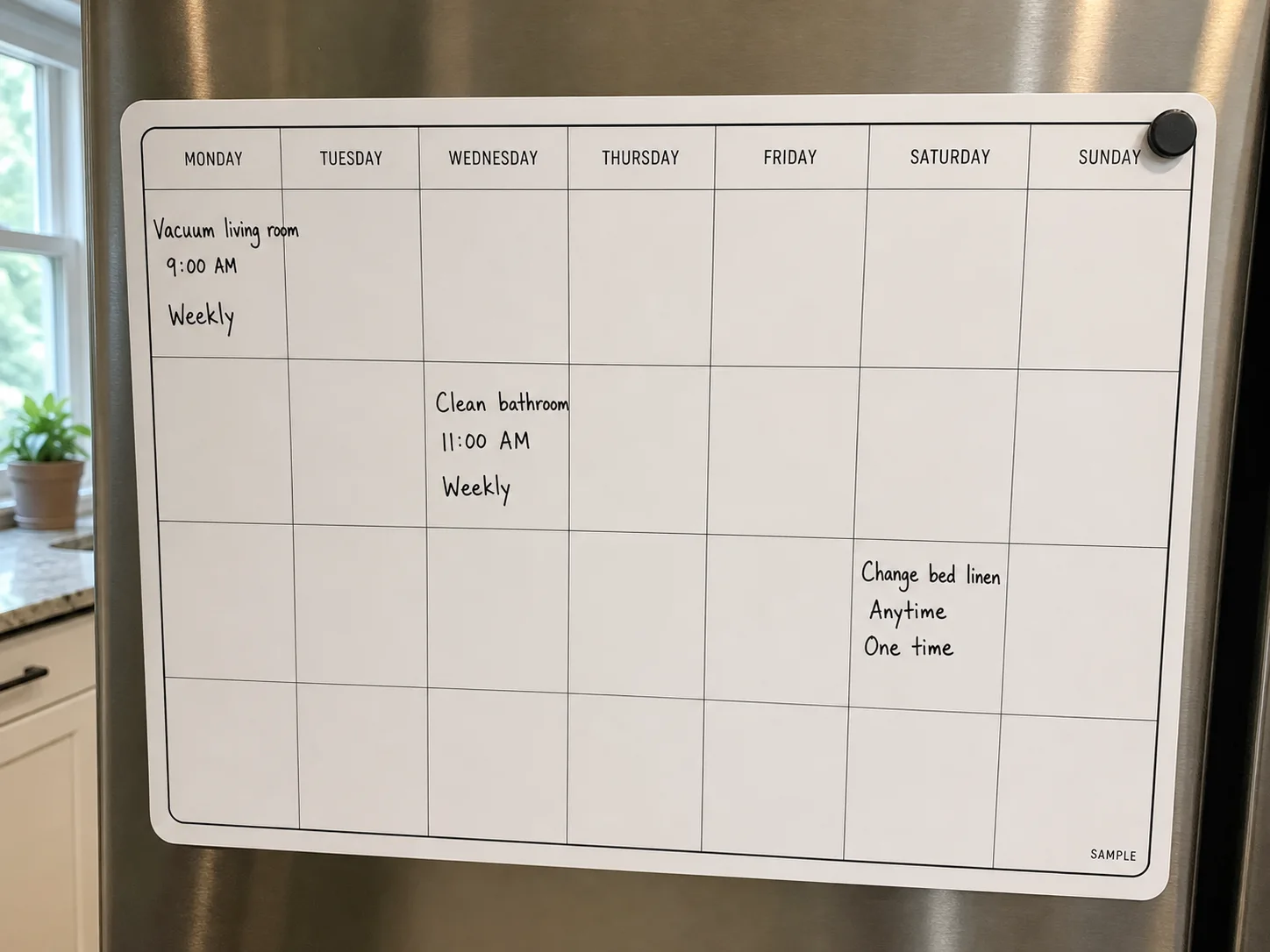
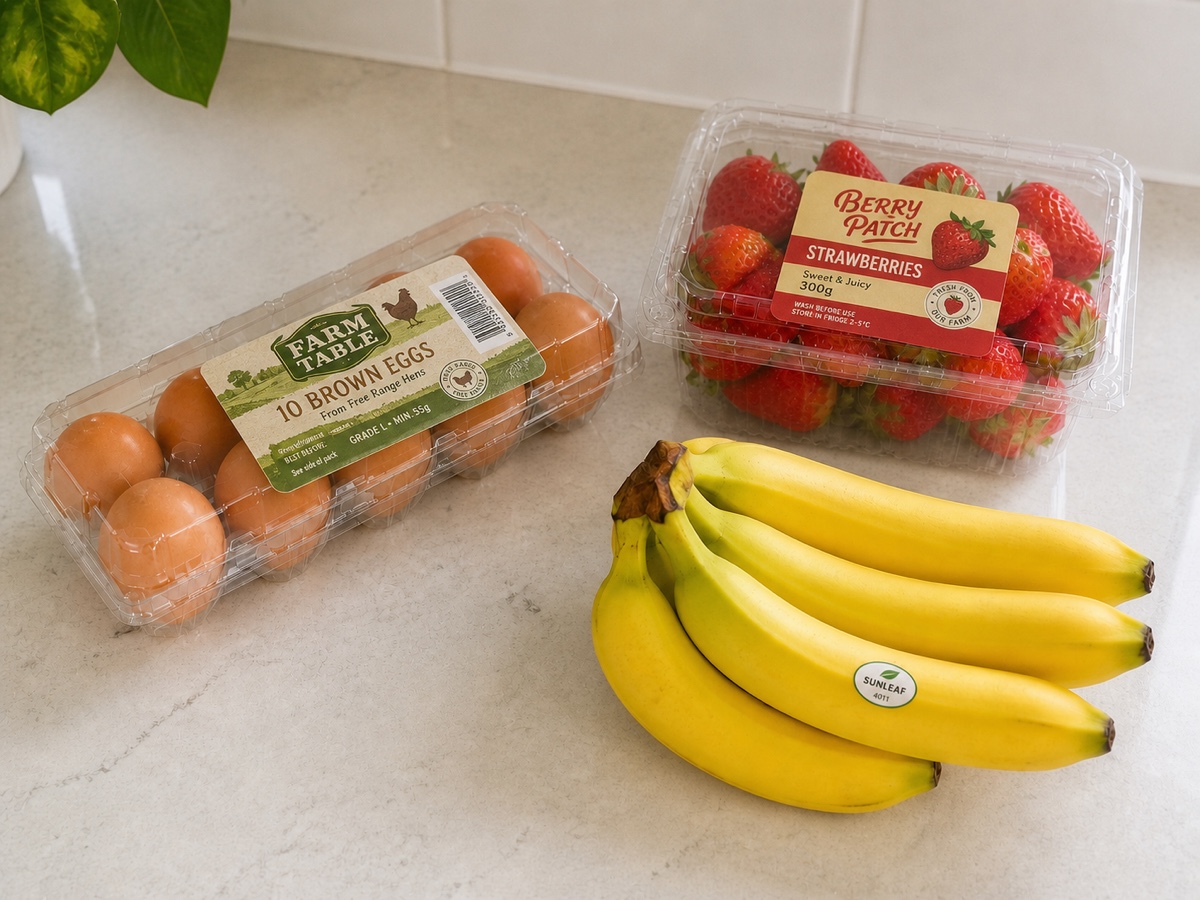
Photograph a handwritten schedule, the groceries on the counter or a receipt. ChoresMatter drafts the records; you check each one before it is saved.
 Photo
Photo01 · Chores
The fridge-door schedule becomes a weekly checklist.
- Vacuum living roomMon · 9:00 · Weekly
- Clean bathroomWed · 11:00 · Weekly
- Change bed linenSat · Anytime · One time
 Photo
Photo02 · Stock
The groceries on the counter become stock you can check from anywhere.
Dairy & EggsEggs10 eggsIn Stock FruitsStrawberries1 punnetIn Stock FruitsBananas1 bunchIn Stock 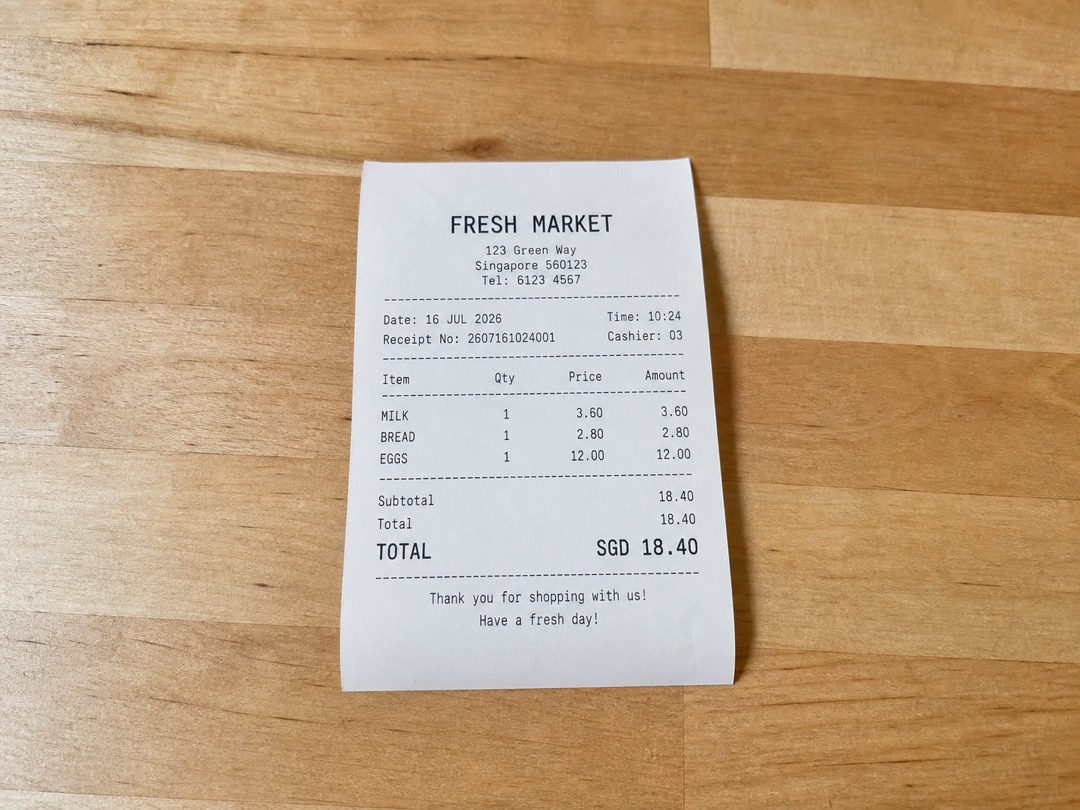 Photo
Photo03 · Expenses
The receipt becomes an expense, line by line.
GroceriesFresh MarketMilk, bread, eggsJul 16, 2026SGD18.40Milk× 1
3.60Bread× 1
2.80Eggs× 1
12.00Subtotal
18.40

One household, two kinds of phone
Each person sees what their job needs.
Owner
You run the home
- Plan chores by day and week, or photograph the schedule you already use.
- Keep stock, the restock list and household spending in one place.
- See what your helper has finished today, and ask questions about your own records.
- Invite a co-owner, so two adults can run the same household.
Helper updates today
- Vacuum living room rug09:41
- Clean bathroom11:20
Owner (Assigns tasks, manages budgets)
Helper
Your helper runs the day
- Joins with an invite code from your phone. No email address or password.
- Reads chores in their own language, with your original wording underneath.
- Ticks chores off, scans groceries and receipts, and can photograph an unfamiliar item to ask what it is.
Invite Code
8ATS-KHMC
- Helper (Completes tasks, logs groceries & bills)
- 帮工模式 (查看任务, 扫冰箱/小票)
- အိမ်ကူ (အလုပ်လုပ်ရန်၊ ကုန်စုံနှင့် ပြေစာများထုတ်ရန်)
Set up your household tonight.
Your helper can join tomorrow morning with one code.
Open ChoresMatter
iPhone app coming soon to the App Store